
How to send passwords securely: why we built Scorchsoft Locknote
Why we built a free tool for secure password sharing: browser-side encryption, approved email recipients, expiry and a clearer handover for customers.
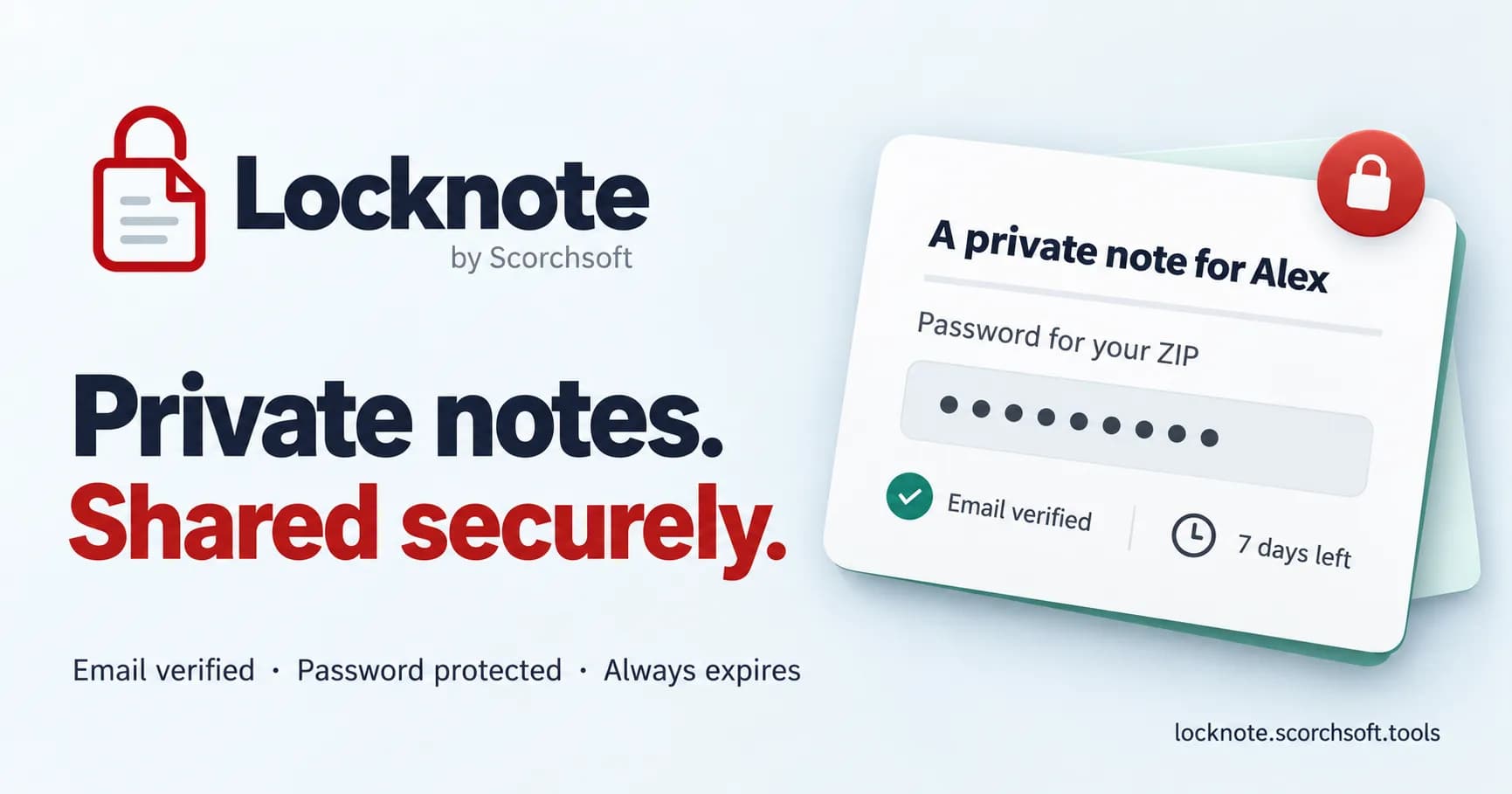
In summary
We built Scorchsoft Locknote to make temporary password handovers clearer for customers. It encrypts notes in the browser, checks approved email recipients and limits access with expiry. Here is why we built it, how the protection works, and where its boundaries sit.
Key takeaways
- Locknote is a free tool for temporary password and private-note sharing, not file transfer or permanent storage.
- Notes are encrypted before upload; the normal service does not receive readable note contents or sharing passwords.
- Stolen stored data and a server serving malicious code are different threats. Client-side encryption does not make an application unhackable.
- Send the sharing password through a separate channel for stronger protection, and keep a separate copy of anything you need.
You have a password-protected ZIP file ready to send to a customer. The file is easy enough to deliver. Then comes the awkward part: how do you send the password securely?
At Scorchsoft, this is a real delivery problem. We sometimes need to share an archive password, temporary access details or a private handover note. Putting everything into one email is convenient, but it also gives anyone with access to that message both parts of the puzzle. Sending the password through another channel helps, although it still leaves a readable secret sitting in a message history.
We built Scorchsoft Locknote to give that small but important task a clearer home. It is a free tool for sharing encrypted private notes with approved email recipients, a separate generated sharing password and an expiry time. The focus is simple: send the information, let the right person open it, and end access when it is no longer needed.
Why we built our own password-sharing tool
A customer should not have to navigate advertising, distractions or an unfamiliar-looking page to receive something sensitive from us. Some sharing services introduce that friction; others are excellent products, but offer far more than we need for a short-lived note.
We wanted an experience we could put our name behind: recognisably Scorchsoft, clear about what the recipient needs to do, and direct about how protection works. No advertising around the note. No attempt to turn a ZIP-password handover into another workspace to manage.
That is a design decision as much as a security decision. A trustworthy appearance does not prove a system is secure, but confusing instructions and competing buttons make it harder for people to follow the intended process. The interface should help a customer recognise the request, verify the right email address and open the note without guessing.
How to send a ZIP password securely with Locknote
The ZIP file and the private note are separate. Locknote shares text; it does not upload, encrypt or deliver the ZIP itself. Use an appropriate method to encrypt and send the file, then use the note to deliver its password.
For example, the note might say: “Here is the password for the ZIP I emailed you. Please save the files in your approved project workspace.”
The process is:
- Write the note. Include only what the recipient needs, and keep a separate copy of anything you cannot afford to lose.
- Choose the approved email address and expiry. Check the address carefully. Locknote generates a separate sharing password for each recipient.
- Send the private link and sharing password. For stronger protection, send the sharing password through a different channel from the link and verification inbox, such as a confirmed phone call.
- The recipient verifies their email and unlocks the note. The verification message does not contain the sharing password. Decryption happens in their browser.
There are two passwords in this example: the ZIP password inside the note, and the Locknote sharing password used to unlock that note. Keeping that distinction clear avoids a surprisingly easy handover mistake.
Locknote also offers a combined sharing message for convenience. Sending the link and sharing password to the same inbox reduces the separation between the controls: someone who compromises that inbox may then have everything needed to open the note. Choose the delivery method to suit the information, rather than assuming a button labelled “secure” settles the decision.

The note is encrypted before it reaches our server
The central architectural choice is client-side encryption. Your browser encrypts the note before uploading it, and the recipient's browser decrypts it after access checks. In the intended application flow, the server receives an encrypted package, not the readable note or its sharing passwords.
Each note uses a fresh, randomly generated 256-bit key and AES-GCM encryption. Each recipient receives an encrypted copy of that note key, protected using their generated sharing password and email address. The application uses PBKDF2 with SHA-256, a separate random salt and 600,000 iterations to derive the key used for that protection.
In plain English, the server can store and deliver the locked package without holding the recipient's password that opens it. The generated passwords contain substantial randomness; they are not predictable words chosen by a user.
We use the browser's Web Cryptography API for these operations rather than inventing a new encryption algorithm. Standard cryptography is only one part of the system, however: key handling, access checks and the surrounding application still matter.

What if the database or server is compromised?
A stolen database should not hand an attacker a collection of readable customer notes.
Locknote adds a second, server-side encryption layer around the stored encrypted payload and protected recipient keys. Its server key is held separately from the database. Email lookups use keyed hashes, while operational metadata is handled separately. Optional note titles are readable metadata, so use neutral titles rather than putting a secret in the title field.
If someone obtains the database alone, they face that outer protection as well as the browser-side encryption. If they also obtain the server's encryption key, removing the outer layer still does not supply the recipients' generated sharing passwords. The stored note contents remain protected by the client-side layer.
That does not mean a hacked server can never cause harm. An attacker who can alter the website could serve malicious JavaScript that captures a password or readable note when somebody next uses it. A compromised browser, device or extension can also expose information at the point where it is entered or read.
This distinction matters: protecting stored ciphertext against theft is different from protecting people while an attacker controls the application they are using. The OWASP cryptographic storage guidance discusses choosing encryption layers for the threat model and separating keys from data. We describe Locknote's protection in those terms, rather than claiming it is “unhackable”.
Encryption is backed by access controls
Knowing a note's link is not enough to open it through the normal service. The recipient must verify an email address approved by the sender, and must have the sharing password to decrypt the contents.
The application also uses expiring verification links, request limits and server-side checks on access and expiry. Frame protection stops the interface being embedded inside another site's frame, helping defend against clickjacking. A restrictive Content Security Policy limits what scripts and connections the page can use.
These controls address different parts of the problem. Encryption protects contents; email verification controls who can retrieve the encrypted package through the service; expiry limits the access window. None replaces the need to check the recipient, protect their inbox or use a secure device.
Expiry and self-destruct: useful boundaries, not magic
Every note has an expiry. Once that time arrives, the service blocks new access. Removing expired encrypted records from active storage is a separate cleanup operation; expiry should not be confused with an instant guarantee that every retained backup has disappeared.
Optional self-destruct removes the stored note after the first successful password unlock, before displaying its contents. Requesting a verification email or previewing its link does not, by itself, consume the note. If several recipients are approved, the first successful opening removes access for everyone.
A recipient can still copy, photograph or save what they read. An already-open tab may retain the displayed contents, and a modified client could retain retrieved encrypted data. Deletion cannot recall those copies. Where you are sharing temporary credentials, revoke or rotate the underlying credential when the work is finished.

Keep a separate copy: Locknote is not a backup
Do not put anything into Locknote that you are not prepared to lose.
Once saved, you cannot reopen, review or edit the contents through the sender interface. Linking a note to your email lets you manage its status and delete it; it does not create a readable archive. Lost sharing details, expiry, deletion or self-destruct can make access disappear.
Keep your original information in an appropriate system. Temporary sharing and deletion are deliberate features, so treating the tool as a backup would work against its purpose. Read the Locknote terms and privacy notice before deciding whether it suits your information.
What this says about how we build software
Locknote is a small example of how we approach a larger business problem: understand the task, remove unnecessary steps, then make the security boundaries and operational limits explicit.
For this task, that meant a focused note-sharing interface, encryption before upload, recipient checks and short-lived access. It also meant choosing not to provide a permanent archive, and explaining the consequences instead of hiding them behind a vague promise of security.
We bring the same thinking to bespoke app development: the controls should fit the workflow, and the interface should help people use them correctly. If a recurring handover, approval or customer-access process is creating friction in your business, talk to Scorchsoft about how it could work better.
Common questions
Is Locknote free to use?
Yes. You can use Locknote to send passwords and private text securely for free, subject to service limits and its terms. You do not need to create a sender account first; recipients still verify their approved email address.
Does Locknote replace a password manager?
Use it for temporary delivery, such as passing a ZIP password to a customer. An organisation's approved password manager is a better fit for storing, maintaining and sharing ongoing credentials.
Can I send files through it?
Locknote shares text notes. Send the file separately using an appropriate file-sharing method, and use the note for its password or private handover instructions.
Can Scorchsoft recover a lost sharing password?
No. The normal application flow does not send that password to the server. Save or deliver the sharing details before leaving the creation screen, and keep your original information elsewhere.
Try Scorchsoft Locknote to see the process for yourself.
Key topics covered
- Secure password sharing
- ZIP-password handovers
- Client-side encryption
- Email verification
- Expiry and self-destruct
Sources referenced
Send passwords securely with Scorchsoft Locknote
Share a temporary encrypted note with your chosen recipients, for free.
Want to talk about your project?
Tell us what you’re trying to achieve and we’ll map the fastest credible path.