
Agentic AI vs generative AI: a practical business guide
Choose between a drafting assistant, an AI workflow and an agent. Compare outcomes, costs, permissions and risks, with a worked example and a pilot checklist.
- Author
- Andrew Ward
- Managing Director
- Last reviewed
- Reading time
- 8 min

In this guide
- 01What is the difference between agentic AI and generative AI?
- 02Three choices for the same business process
- 03A decision matrix for business buyers
- 04Autonomy should be granted action by action
- 05Compare total cost, including the work people still do
- 06Run a pilot that can disprove the proposal
- 07Questions to put in an AI supplier brief
- 08Choosing the next step
In summary
Generative AI creates content; agentic AI selects steps and uses tools to pursue a goal. A business application can combine both. This guide helps operations and technology leaders choose between a drafting assistant, a defined AI workflow and an agent. It compares control, cost and risk, works through a customer-service example, and sets out the questions and pilot measures needed before granting software permission to act.
Key takeaways
- Generative AI creates content; agentic AI selects steps and uses tools towards a goal. The same system can do both.
- Choose the simplest design that meets the business outcome: an assistant, a defined workflow or an agent.
- Grant authority per action, with application-enforced permissions, clear approvals and recovery rules.
- Compare cost per accepted outcome, including supervision and rework, and test with realistic exceptions.
What is the difference between agentic AI and generative AI?
Generative AI produces content such as text, images or code. Agentic AI describes a system that pursues a goal, chooses steps and uses tools to act on the results. They overlap: an agent can use a generative model to interpret a request, decide what to do next and write its response.
For a business buyer, the useful question is how much of a process the software should own. Drafting a reply is one job. Finding the right account, checking an order, proposing a remedy and updating a case is a larger job with more permissions and more ways to fail. Calling both an “AI assistant” hides that difference.
IBM's comparison of agentic and generative AI distinguishes content creation from goal-directed action. The categories describe capabilities, not competing products. A business application can combine both, alongside ordinary software rules.
Three choices for the same business process
Consider a customer asking why a delivery is late. This is an illustrative scenario, not a Scorchsoft client result.
A generative assistant takes the information a member of staff supplies and drafts a clear response. The person checks the facts, chooses the remedy and sends it. The main benefit is faster preparation. It still needs an approved source for delivery information; fluent wording does not establish that an order has shipped.
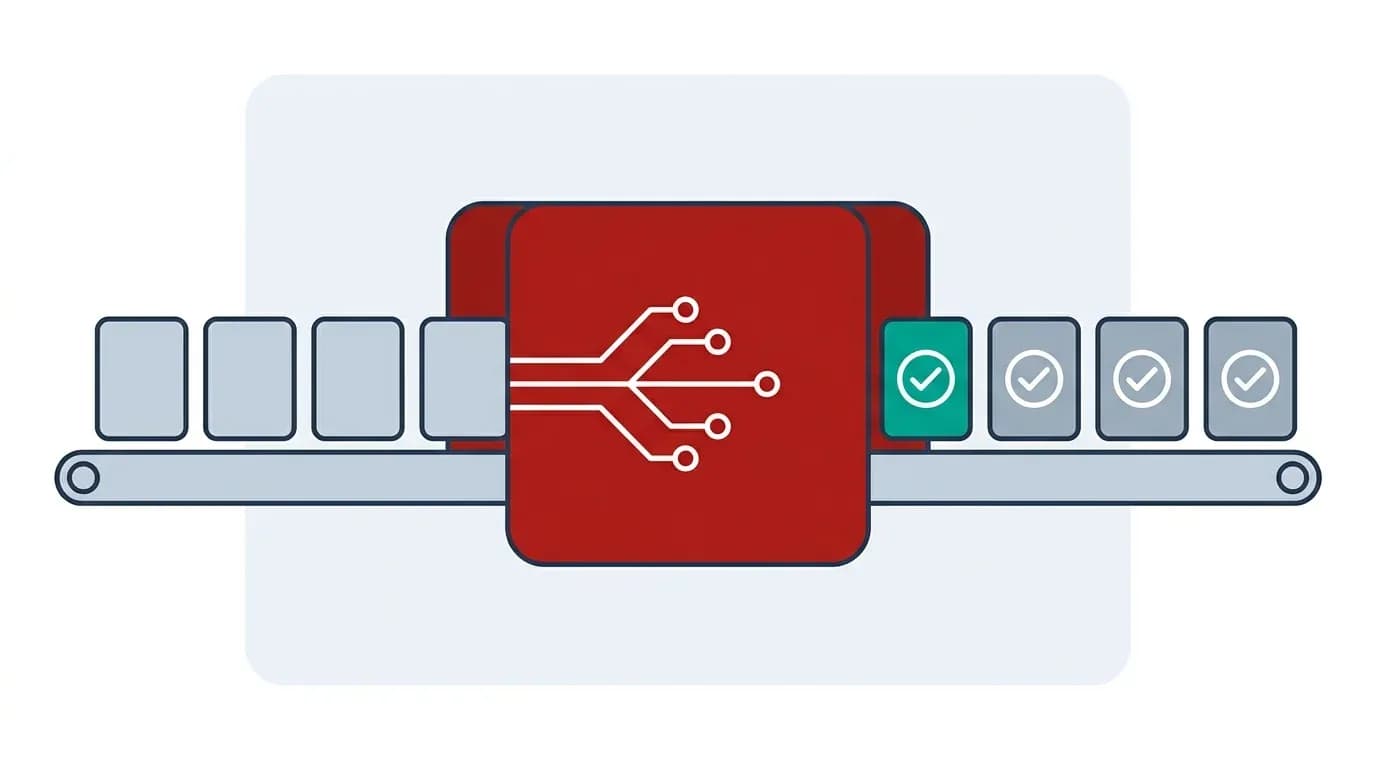
An AI workflow follows a sequence chosen by the developer: identify the order, fetch its tracking record, apply agreed rules and draft a reply. A person handles missing records and exceptions. The model might classify the message or write the response, while code decides the route and checks eligibility.
An agent can decide which permitted checks to run based on what it finds. It might inspect the tracking record, consult a supplier update and look for an earlier support conversation before proposing a resolution. Its flexibility is useful when requests vary, but it also needs a clear stopping point and a route back to a person.
Anthropic makes a useful distinction between predefined workflows and agents that select their next steps. Its advice to start with a simpler design is a good purchasing test: ask what the agent's freedom achieves that a defined workflow would not.
A decision matrix for business buyers
Use these six comparisons to choose an initial design. Each gives a starting preference rather than an automatic verdict.
- The output you need. Choose a generative assistant for a draft, summary or explanation that a person will use. Consider a workflow when the output must reliably pass through a known sequence. Consider an agent when completing the task requires choosing between several possible next steps.
- How predictable the work is. Stable rules favour ordinary automation or an AI workflow. Variable investigations may justify an agent. A high number of steps alone does not make a process agentic.
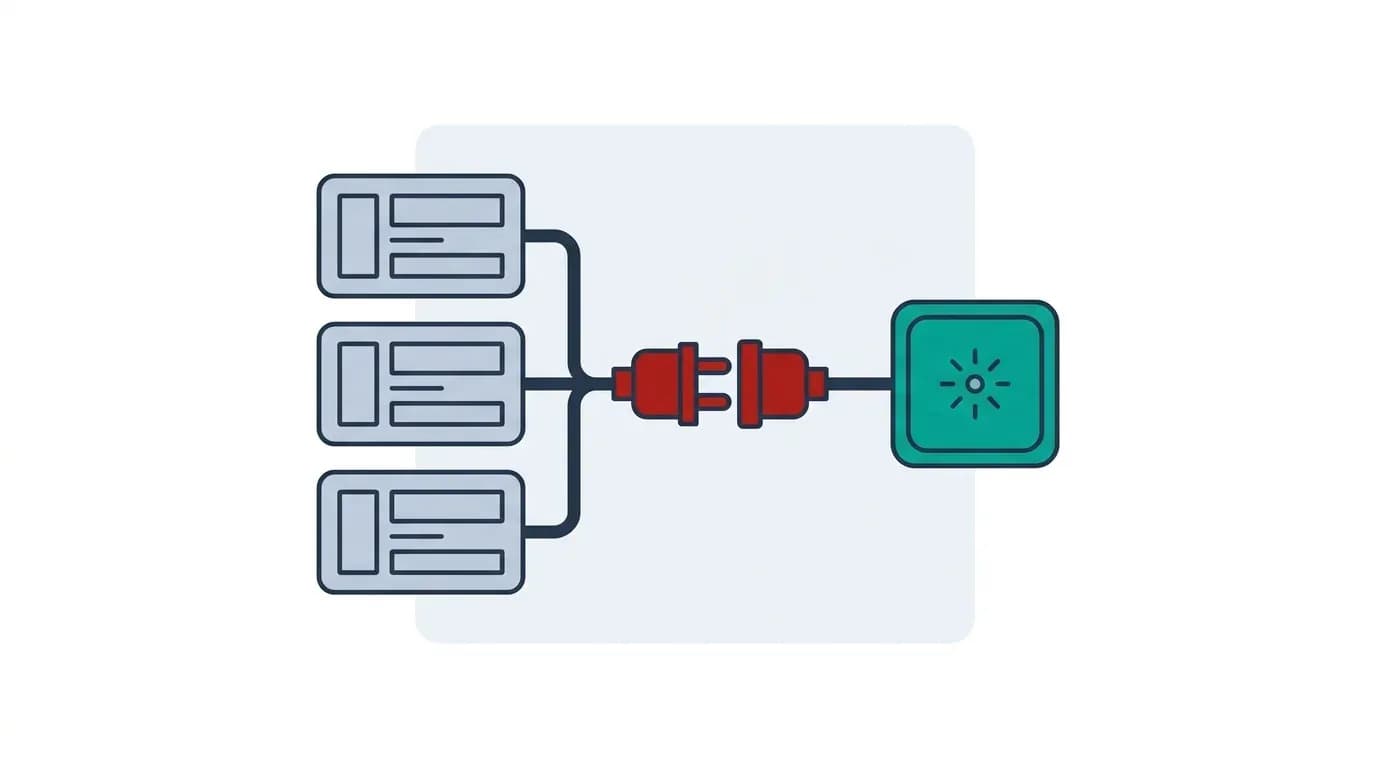
- Where information lives. If a person already supplies the full context, a drafting assistant may be enough. When context is spread across systems, integrations matter whichever design you choose. An agent cannot repair missing permissions or an unreliable customer identifier by reasoning harder.
- What can go wrong. A poor internal draft can be corrected before use. An incorrect payment, account change or external message has a different consequence. Put approval and recovery requirements around each action, rather than labelling the whole system “safe”.
- How quickly you need an answer. A short response can fit an interactive screen. A sequence of searches, tool calls and retries can take longer. Measure the complete journey using realistic cases, including slow or unavailable dependencies.
- How you prove success. For drafting, assess factual accuracy and editing time. For workflows, assess correct routing and completed cases. For agents, also inspect the decisions, tool calls, permissions and reasons a task stopped.
An agent can be the right choice for one part of a process while the surrounding application remains deterministic. For example, it might investigate an unusual complaint and prepare a recommendation, while a conventional approval screen controls any refund.
Autonomy should be granted action by action
“Human in the loop” is too vague for a specification. Name the action the person reviews, the evidence they see and the moment approval becomes necessary.
In the delivery example, you might allow read-only access to tracking records, let the system draft a customer response and require a service manager to approve a goodwill credit. Changing a delivery address could need a separate identity check. The same agent therefore has different authority for different tools.
The application should enforce these boundaries outside the language model. A sentence in a prompt saying “never issue large refunds” is weaker than an API that checks the authenticated user's authority and rejects an ineligible transaction. Approval should relate to the actual proposed action, including its recipient, amount and record identifier.
OWASP describes prompt injection as a risk from instructions embedded in inputs, including external documents. That matters when an agent reads emails or web pages and also has tools that can change systems. Restrict tool access, treat retrieved content as data, and require approval for consequential actions. These controls reduce exposure; they do not make every model response trustworthy.
Decide how work resumes after a person approves or rejects a proposal. If the underlying order changes while it awaits approval, the system should check the record again. Approval of yesterday's facts should not silently authorise a different action today.
Compare total cost, including the work people still do
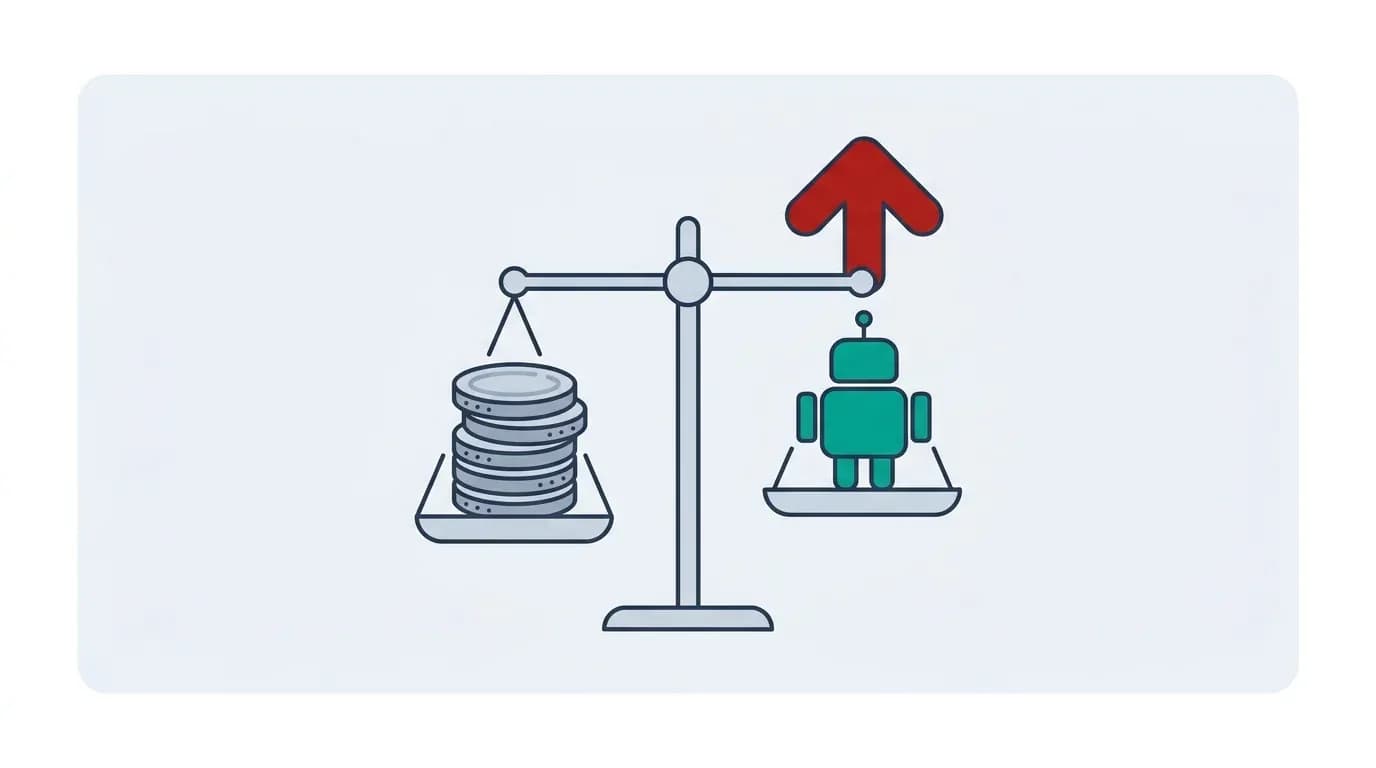
Model usage is one cost. The business case also includes integrations, access management, monitoring, testing, support and the staff time needed to review exceptions. Agentic designs can add repeated model calls and variable execution paths; a cheap individual call does not establish a cheap completed task.
Use a cost-per-accepted-outcome calculation. Divide the ongoing cost of running and supervising the system by the number of cases it completes to the standard you agreed. Track failed attempts and human rework as well as successful runs.
For example, suppose a team handles 1,000 cases a month. If a pilot saves an average of six minutes per case after review, that releases 100 hours. At an assumed loaded staff cost of £30 an hour, the gross value of that time is £3,000 a month. If ongoing technology and supervision cost £1,200, the illustrative difference is £1,800 before build costs, transition costs and any other benefits or losses. Those figures are assumptions, not a Scorchsoft quote or a promise of savings. Released capacity only becomes a cash saving if spending actually falls.
Run the same calculation for a drafting assistant and a defined workflow. If a simple assistant captures most of the benefit, it may be a sensible first release. Our guide to AI agent costs and payback explains the commercial questions in more depth.
Run a pilot that can disprove the proposal
Start with a business outcome and a sample of real work, with appropriate permission to use the data. Include routine cases, incomplete requests, unusual exceptions and cases the system should decline or escalate. A demonstration built around a few easy examples cannot establish performance across the workload.
Before testing, agree what a correct result looks like. A support reply might need a valid source for each delivery claim, no unauthorised disclosure and a usable next step. An account update needs the correct customer and fields, a permitted reason and an auditable result. Score these separately so a good writing style cannot mask a wrong transaction.
Compare the new process against today's process and a simpler alternative. Measure total staff time, elapsed time, correction rate, escalation rate and cost per accepted outcome. Log which model and configuration ran each test so a later change can be checked against the same cases.
Begin with read-only or draft-only operation where that fits the task. Let staff inspect proposed actions before expanding permissions. Set a maximum duration, spending limit and number of tool attempts, and specify who receives failed or ambiguous cases. Choose the next release based on observed results, not a pre-agreed march towards full autonomy.
Questions to put in an AI supplier brief
Ask the supplier to show the boundary between the model, the workflow and your existing systems. You should be able to answer these questions without understanding the model's internals:
- Which decisions are fixed in code, and which can the model choose?
- Which systems can it read or change, under whose identity and permissions?
- Which actions require approval, and what exactly does the reviewer see?
- What happens when information is missing, contradictory or out of date?
- How are duplicate actions prevented after a timeout or retry?
- Which test cases must pass before a model, prompt or integration changes?
- Who owns monitoring, incident handling and the continuing cost of improvement?
- How can we pause the system and recover work already in progress?
A useful proposal should make those answers concrete for your process. A list of model brands and a promise of an autonomous workforce is not a delivery specification. If you already have an application, the guide to integrating AI into existing software covers how to introduce capabilities around it.
Choosing the next step
Write down one process, the outcome you want and the actions you would be comfortable delegating. Identify the information required and the person who can approve access to it. That gives a discussion about AI a practical starting point.
Scorchsoft's AI opportunity planning can help turn that process into a scoped delivery plan. For organisations that want to improve several workflows over time, the Managed AI & Automation Improvement Programme provides an ongoing route. The right initial release might be a drafting feature, a defined workflow or an agent with limited permissions; the business outcome should decide.
Frequently asked questions
No. Agentic describes how a system pursues a goal, while generative describes its ability to produce content. An agent may use a generative model to interpret information, plan a step and write a response, together with tools and conventional software controls.
A chat interface alone does not make a system an agent. A chatbot may only generate answers. It becomes more agentic when it can select steps and use permitted tools towards a goal. Ask what the system can actually do and what controls each action.
A defined workflow is often a useful starting point when the process and decision rules are stable. An agent may help when the correct sequence varies with the evidence. Test both against the same outcome and include operating cost, exceptions and staff review time.
It can be designed to perform specified actions automatically within enforced permissions. Decide authority per action: reading a record, drafting a reply and changing an account have different consequences. Use approval where the task requires it and define stopping and recovery rules.
Compare accepted outcomes with the current process, counting build costs, ongoing technology, supervision and rework. Measure staff time and quality as well as model usage. Time released is useful capacity, but it is only a cash saving when spending actually falls.
Key topics covered
- Definitions and overlap
- Business decision matrix
- Permissions and human approval
- Costs and payback
- Pilot design and supplier questions
Sources referenced
Choose a useful first AI project
Talk through one process, the information it needs and the actions you want to delegate. We can help identify a practical first release.

About the author
Andrew Ward
Managing Director
Andrew Ward is the founder and Managing Director of Scorchsoft and author of The Control Standard, Execute Your Tech Idea and The ChatGPT Guide for Business. With more than sixteen years of experience building software and running a business, he writes about practical ways to apply technology, use AI and lead teams that deliver.
Andrew holds a first-class degree in Computer Science with Business Management from the University of Birmingham and has represented Great Britain in bench press, winning world championship bronze in 2023.
Want to talk about your project?
Tell us what you’re trying to achieve and we’ll map the fastest credible path.