
How to integrate AI into existing software
For CTOs and technical leads with a system already in production: where AI can attach to what you have, why the data work comes first, the integration patterns that hold up, and what changes about security when a model can read your data.
- Author
- Andrew Ward
- Managing Director
- Last reviewed
- Reading time
- 8 min

In this guide
- 01What AI integration actually means
- 02The three places AI can attach
- 03Start with the data, not the model
- 04Choosing where the model runs and what it sees
- 05Integration patterns that survive production
- 06Security: what changes when a model can read your data
- 07What it costs and how long it takes
- 08A sequence that works
- 09What goes wrong
In summary
AI integration is the engineering work of connecting an AI model to software and data you already run, so it can act on real, current information rather than on whatever was typed into a prompt. The model is rarely the hard part. This guide covers the three places AI can attach to an existing system, why the data work comes first, the integration patterns that survive production, and the security questions that only appear once a model can read your records.
Key takeaways
- The value of AI is rarely the model, it is the integration. A model that cannot see your live data can only guess.
- There are three attachment points: inside a feature your users see, behind a process they do not, or as a tool an assistant calls.
- Do the data work first. Retrieval quality, not model choice, is what usually decides whether the output is useful.
- A model that can read your records inherits your access-control problem. Scope its permissions as you would a member of staff.
- Treat any text the model did not author as untrusted input — prompt injection is the failure mode that has no equivalent in a normal API.
What AI integration actually means
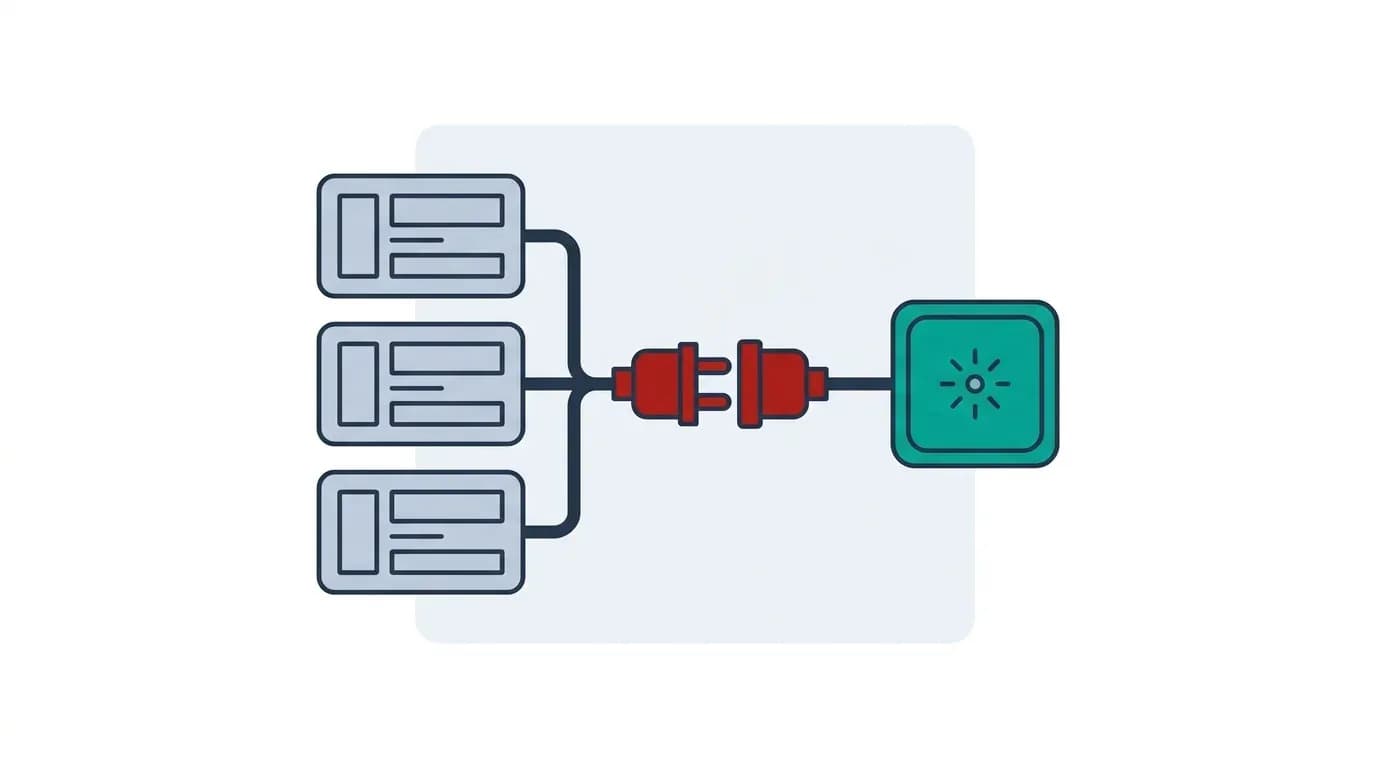
AI integration is the engineering work of connecting a model to the software and data you already run, so it can act on real, current information instead of whatever someone pasted into a prompt. It is the difference between a clever demo and something that belongs in your product.
The framing that helps: a model on its own is a very capable stranger who knows nothing about your business. Integration is the work of giving it the right context, the right permissions and the right tools — and nothing more than those. Almost everything hard about AI features is in that sentence rather than in the model.
That is also why so many AI integration projects turn out to be ordinary systems integration projects with a model at the end. If your systems do not currently talk to each other, they will not start because a model is involved.
The three places AI can attach
Almost every AI feature in an existing system attaches at one of three points, and choosing deliberately saves a great deal of rework.
- In the interface. A summarise button, a draft-reply box, semantic search, an explain-this panel. Best when the user should stay in control and see the output before it counts.
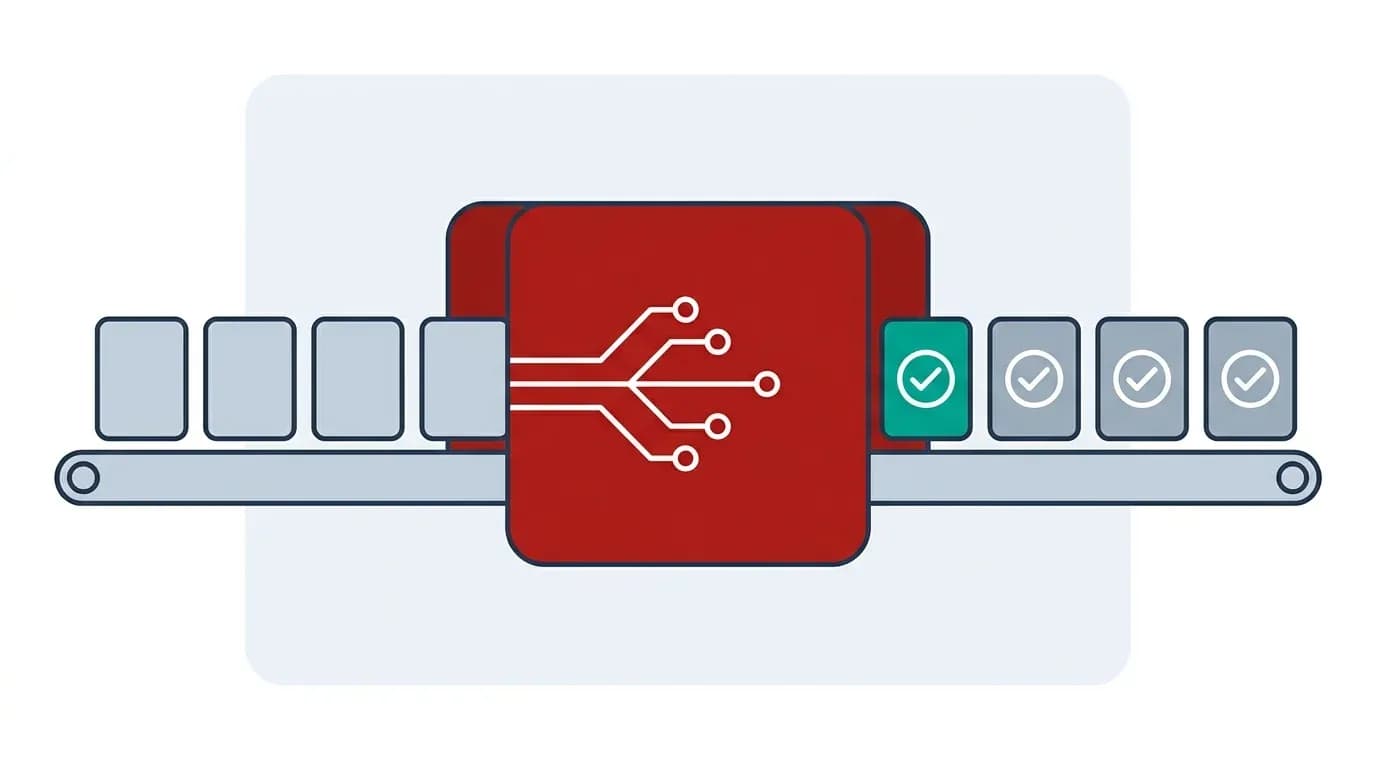
- Behind a process. Classification, extraction, routing or enrichment happening on a queue with no user present. Best when the work is high-volume and a person only handles the exceptions.
- As a tool an assistant calls. Your system exposes actions a model can invoke, increasingly via MCP. Best when you want one assistant working across several systems rather than a separate feature in each.
The first is the cheapest to ship and the easiest to withdraw if it underperforms, which makes it a sensible first move. The second delivers the largest measurable saving. The third is the most strategically interesting and the one with the widest security surface, because you are granting something the ability to act rather than to answer.
Start with the data, not the model
The most common cause of a disappointing AI feature is not the model. It is that the model was given the wrong context, or context it could not interpret.
Before choosing anything, establish three things. Where the authoritative answer lives for the questions you want answered — and whether that source is actually correct today, because a model quoting a stale record is worse than no feature at all. Whether it can be retrieved in a form a model can use: well-structured records and clean text are straightforward, scanned PDFs and merged spreadsheet cells are a project of their own. And who is allowed to see what, because the moment a model can read across your data it inherits your access-control problem in full.
In practice, retrieval quality decides more outcomes than model choice. Getting the right three paragraphs in front of a mid-range model beats the best available model reading the wrong document, and it costs less per call. If you take one thing from this guide, it is that the work is usually upstream of the clever part — which is why building an AI-ready data ecosystem is often the honest first project.
Choosing where the model runs and what it sees
Two decisions follow, and both are commercial as much as technical.
Which provider, and where the data goes. For most business use a hosted commercial model is the pragmatic choice: capable, cheap per call, no infrastructure. Check the provider's terms on training and retention, and check whether your own contracts and your data protection obligations permit sending that category of data to a third party at all. Self-hosting an open-weight model answers the data-residency question and introduces an infrastructure cost you now own; it is justified by regulation or genuine scale, rarely by preference.
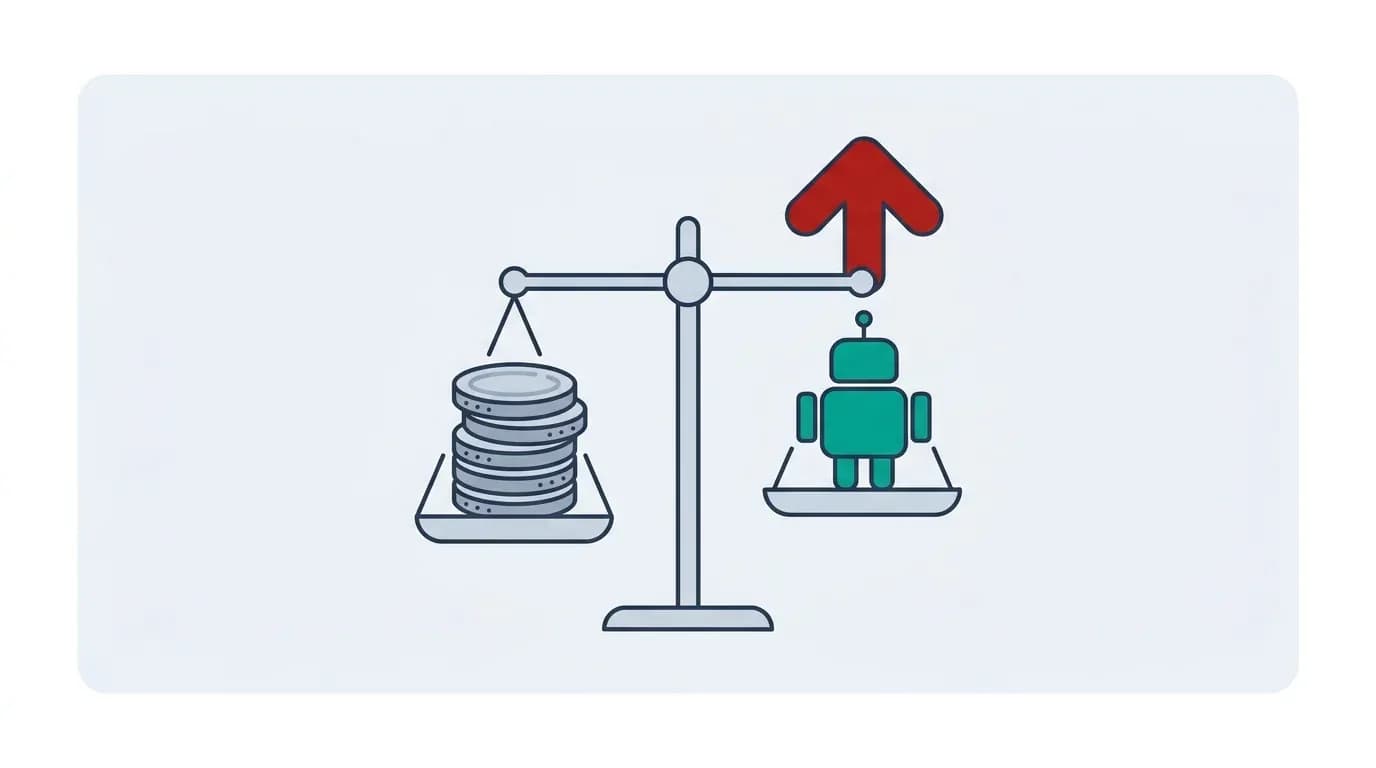
How much context to send. Every call costs money in proportion to what it reads, and more context is not reliably better — a model given fifty documents often answers worse than one given the right three. This is a design decision with a direct line to your unit economics, so model a cost per call early. It is the figure that tells you whether the feature still works at ten times the volume.
Integration patterns that survive production
Four patterns cover most of what we build, and the engineering is mostly in the unglamorous parts.
- Retrieval before generation. Fetch the relevant records first, then ask the model to answer using only those. This is what keeps answers grounded in your data and makes them citable back to a source.
- Structured output. Require the model to answer in a fixed shape your code can validate, and reject anything that does not parse. Never let free text flow straight into a database field.
- Tool use. Rather than asking a model to produce an answer, give it a small set of functions it may call — look up an order, create a ticket — each with its own permission check. The Model Context Protocol is an open standard for exposing exactly that, and it is increasingly how we connect agents to business systems.
- A verification step. A second model, or plain code, checking the output before it counts. Cheaper than the incident.
Around all four, the boring requirements are what decide reliability: retries and timeouts, because model APIs fail more often than your database does; a fallback for when the provider is down; logging of inputs and outputs so a wrong answer can be investigated; and a cost ceiling, because a runaway loop against a metered API is a financial incident rather than an outage.
Security: what changes when a model can read your data
Adding a model to an existing system introduces a class of risk your current threat model probably does not cover, and the OWASP Top 10 for LLM Applications is the best free reference for it.
The one to understand properly is prompt injection. If a model reads any text your business did not author — a customer email, a supplier PDF, a web page, a support ticket — that text can contain instructions, and the model has no reliable way to distinguish instructions from content. An agent that reads an inbox and can also send email is one carefully worded message away from doing something you did not intend.
There is no complete fix, so the defences are architectural rather than clever prompting. Scope permissions tightly, so the model can only reach what this task needs. Require approval for anything irreversible. Validate outputs against a schema instead of trusting them. Keep an audit trail you can roll back. And treat every model-authored action as originating from an untrusted source, because functionally it does.
Two more: never put secrets or credentials in a prompt, and remember that a model given broad read access will happily summarise data the current user was never entitled to see. Access control has to be enforced in your retrieval layer, not requested in the prompt.
What it costs and how long it takes
Scope first. On our AI Opportunity Planning engagements a focused scoping engagement starts around £1,500 and a fuller, multi-process discovery is typically £3,000 to £6,000, with most running in one to two weeks. For integration work the value of that stage is mostly in establishing whether the data is actually reachable, which is the question that moves the estimate most.
Build then happens in fixed two-week Velocity Sprints with a predictable number of Output Units, committed one sprint at a time. Our quote page gives the floor for bespoke work: under £7.5k is unlikely, and most of our projects are more than that.
Budget separately for running costs, because these differ from ordinary software. Model usage is charged per unit of text processed, so it scales with volume rather than headcount; a verification step adds a second call; and someone has to monitor accuracy, because providers update models underneath you and your data changes shape over time.
A sequence that works
The order below front-loads the cheap answers and defers the expensive commitments, which is the opposite of how most AI projects are sequenced.
- Pick one question or task, narrowly. Not "add AI to the portal".
- Check the data that would answer it. Is it correct, reachable and permissioned? Stop here if not — this is the project.
- Prove it on real data with a throwaway proof of concept, with a threshold written down in advance. Real data, not synthetic; synthetic data is how you get a reassuring, useless result.
- Ship it in the interface first, where a user reviews the output. You get value and accuracy evidence at the same time.
- Move it behind the process once the evidence supports it, keeping a human on the exceptions.
- Then consider tools and autonomy, with permissions and approvals designed in from the start.
Most of the value in most businesses is available by step four, which is worth knowing before anyone commissions step six.
What goes wrong
The recurring failures are consistent, and none are about model quality. Building on data nobody had validated, so the feature confidently repeats bad records. Choosing a model before establishing whether the context could be retrieved at all. Putting free-form model output into a structured field with no validation. Giving a model broad read access and letting it answer questions the user had no right to ask. And shipping without cost monitoring, then discovering the unit economics at the end of the month.
Notice that four of those five are caught by steps two and three of the sequence above, which is the argument for doing them properly rather than treating them as preamble.
The meta-failure is starting from the technology. "Where can we use AI" produces demos; "this task takes forty minutes and happens two hundred times a week" produces something worth integrating. If you want a view on whether a specific task is worth it, and whether your data is ready, see how we approach AI integration or book a free consultation.
Frequently asked questions
The engineering work of connecting an AI model to software and data you already run, so it acts on real, current information rather than on whatever was typed into a prompt. It covers retrieval, permissions, validation and monitoring — the model itself is usually the smallest part.
Not necessarily move it, but you do need it correct, reachable and permissioned. Retrieval quality decides more outcomes than model choice: the right three paragraphs in front of a mid-range model beats the best model reading the wrong document, and costs less per call.
A hosted commercial model is the pragmatic default — capable, cheap per call, no infrastructure. Self-hosting answers data-residency questions and gives you an infrastructure cost you now own. Choose it for regulatory reasons or genuine scale, not preference, and check provider terms on retention and training either way.
Any text a model reads that your business did not author — an email, a PDF, a web page — can contain instructions, and the model cannot reliably tell instructions from content. There is no complete fix, so defend architecturally: tight permissions, approval for irreversible actions, schema validation and a reversible audit trail.
Unlike ordinary software, there is a per-transaction cost: model usage is charged by the volume of text processed, so it scales with use rather than headcount. A verification step adds a second call. Model a cost per call early, since it decides whether the feature works at ten times the volume.
Terms used in this guide
Key topics covered
- What AI integration means
- The three attachment points
- Data readiness and retrieval
- Where the model runs
- Integration patterns
- MCP and tool use
- Security and prompt injection
- Cost and timeline
- A sequence that works
Sources referenced
Add AI to what you already run
We connect models to the systems and data you have, with the permissions, validation and monitoring that make them safe to rely on.

About the author
Andrew Ward
Managing Director
Andrew Ward is the founder and Managing Director of Scorchsoft and author of The Control Standard, Execute Your Tech Idea and The ChatGPT Guide for Business. With more than sixteen years of experience building software and running a business, he writes about practical ways to apply technology, use AI and lead teams that deliver.
Andrew holds a first-class degree in Computer Science with Business Management from the University of Birmingham and has represented Great Britain in bench press, winning world championship bronze in 2023.
Want to talk about your project?
Tell us what you’re trying to achieve and we’ll map the fastest credible path.